



Skip to content
PhoneSuite

Hospitality by Telogix

Every room.
Every role.
One connected hotel.

Your hotel doesn’t run like an office. Its phone system shouldn’t be planned like one. Plan your front desk, backoffice, guest rooms, and shared spaces—with the extras your property actually needs. Prepare a property brief for a tailored conversation.

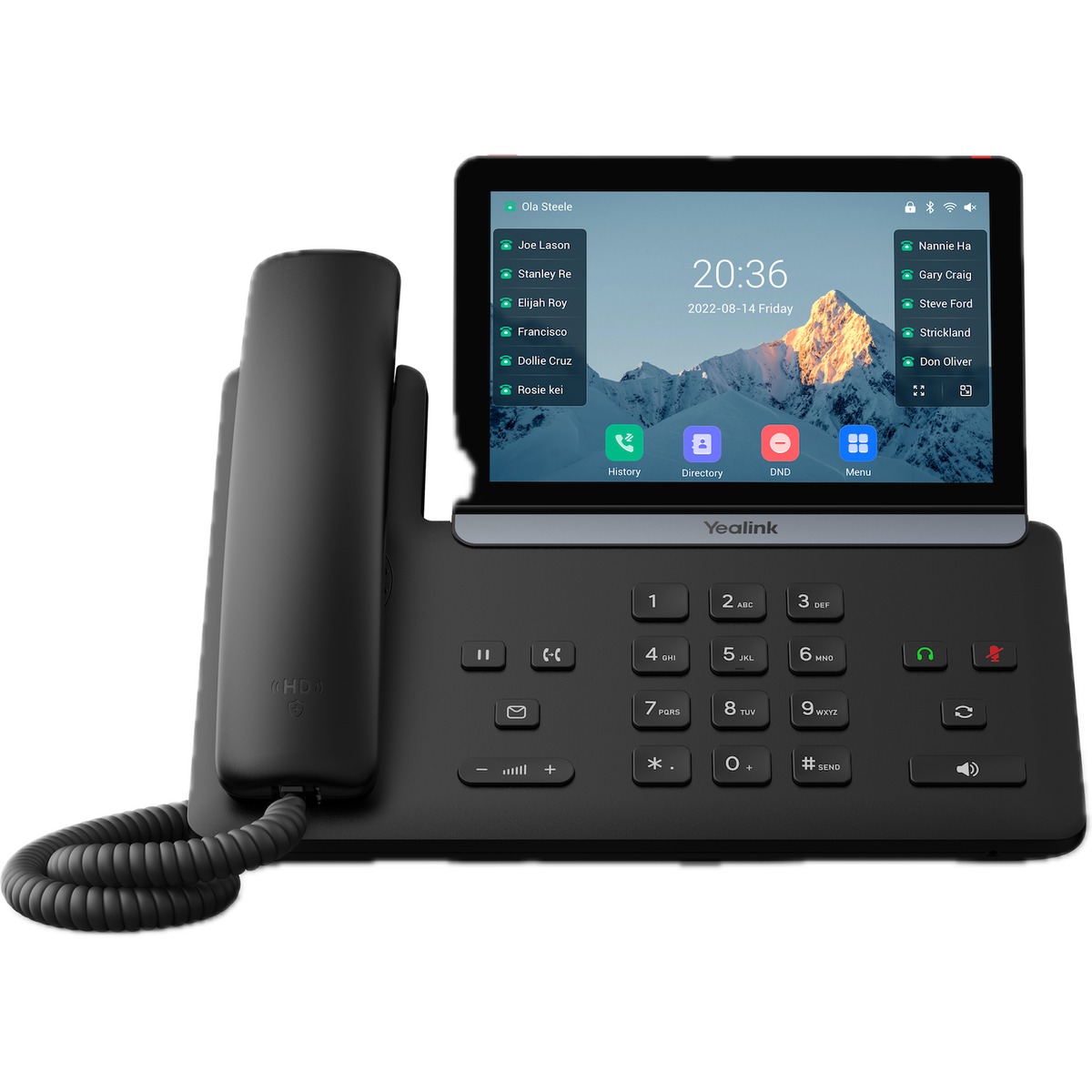
Yealink T87W executive touchscreen desk phone for the hotel front desk

Your front-desk connection

Yealink T87W

An executive desk phone with a 7-inch touchscreen for the team at the heart of your hotel.

01Count the extensions you need

02Choose services and equipment

03Prepare your property brief

Built for hospitality

PhoneSuite for leading hotel brands

Hyatt
Marriott
Wyndham Hotels & Resorts
Sonesta
Choice Hotels
Hilton

A different kind of phone plan

Built around the way
a hotel works.

Not every phone has the same job. Separate the people running your hotel from the rooms and spaces they support. Choose a quantity for each area instead of applying one office-seat price to your entire property.

01

Admin & backoffice

Behind every smooth stay.

Management, accounting, and reservations need a connection of their own. Size your administrative extensions around the staff who keep the property moving—not around your room count.

Configure this area
02

Front desk

The heart of your hotel.

From the first incoming call to the late-night guest request, reception is where conversations come together. Configure the front-desk positions that serve your property.

Configure this area
03

Guest rooms

A familiar connection.

Give guests a straightforward way to reach hotel services. Keep compatible room phones in place where possible, and replace only the handsets that need an upgrade.

Configure this area
04

Common areas

Beyond the guest room.

Lobbies, corridors, and amenity spaces are part of the guest experience too. Include the shared-use extensions your staff and guests rely on throughout the property.

Configure this area

The hotel control panel

A clearer view.
A smoother shift.

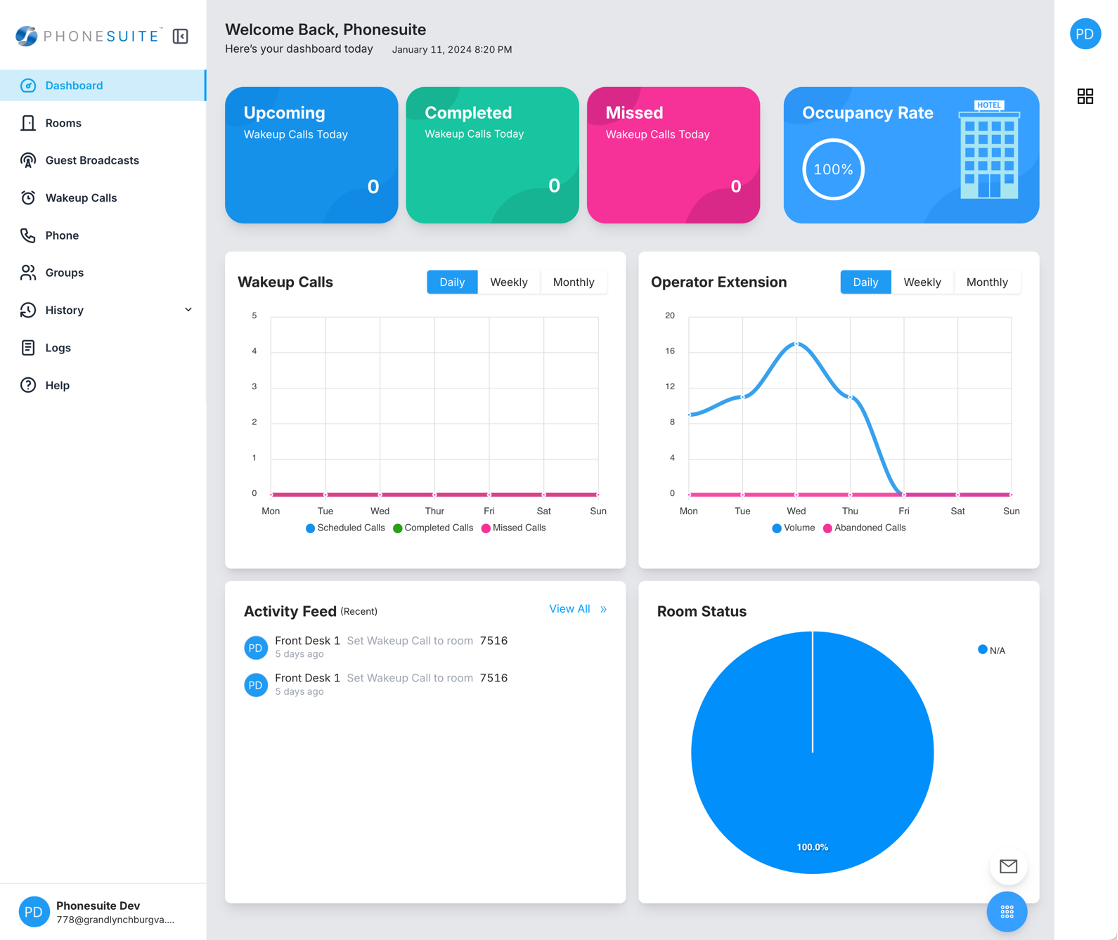
Put your front desk in control with a visual workspace for rooms, guest requests, and everyday hotel communications.

PhoneSuite
PhoneSuite hotel dashboard with wake-up call cards, occupancy, activity charts, and room status

Your hotel at a glance

Bring wake-up activity, occupancy, operator calls, and room status into one dashboard.

1 / 6 · Your hotel at a glance

Purpose-built hospitality tools

Guest care meets
day-to-day control.

Explore the workflows behind the interface, from the first guest call to the next shift. Open each category to see more.

Guest experience

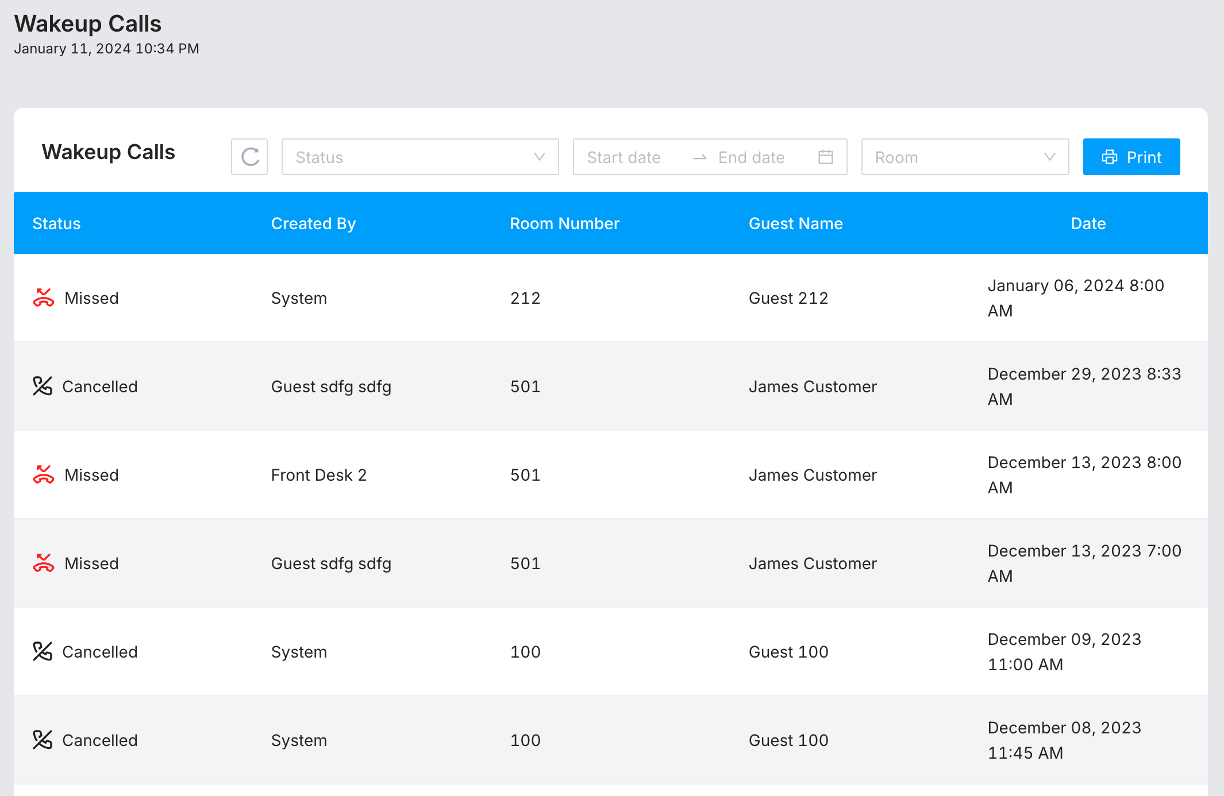
  • Wake-up call management

    Keep guest wake-up requests and call history organized by room, date, and status.

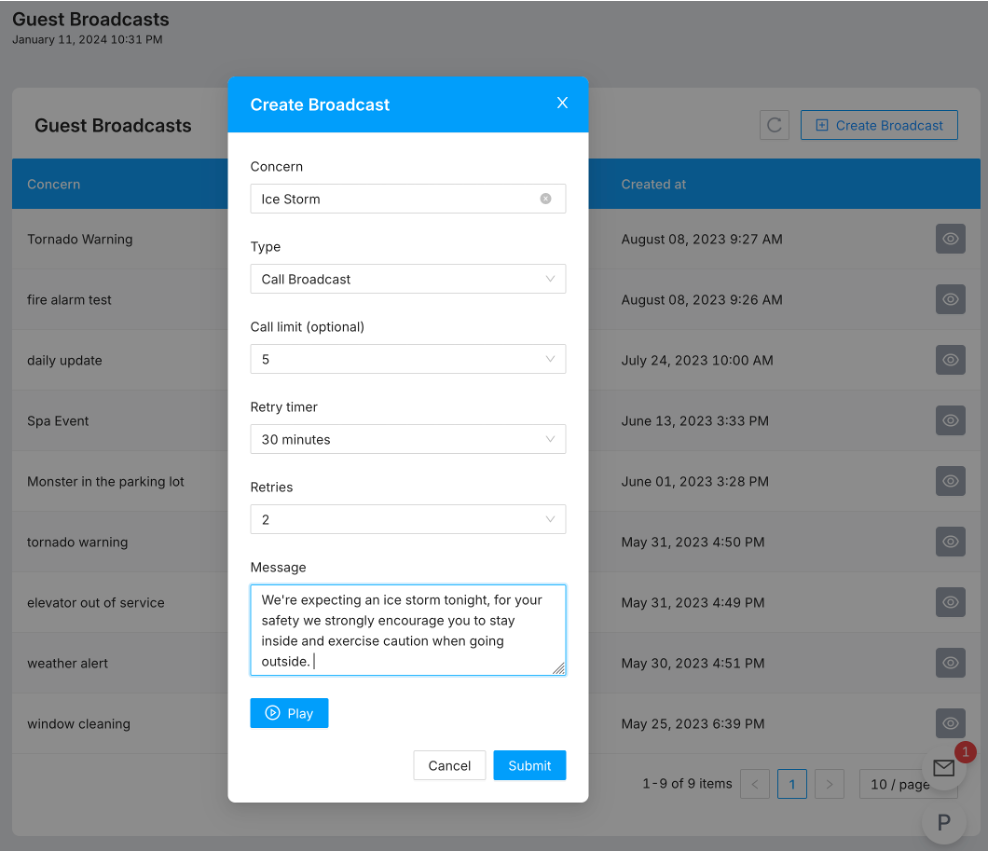
  • Guest broadcasts

    Create voice announcements for timely hotel updates and guest communications.

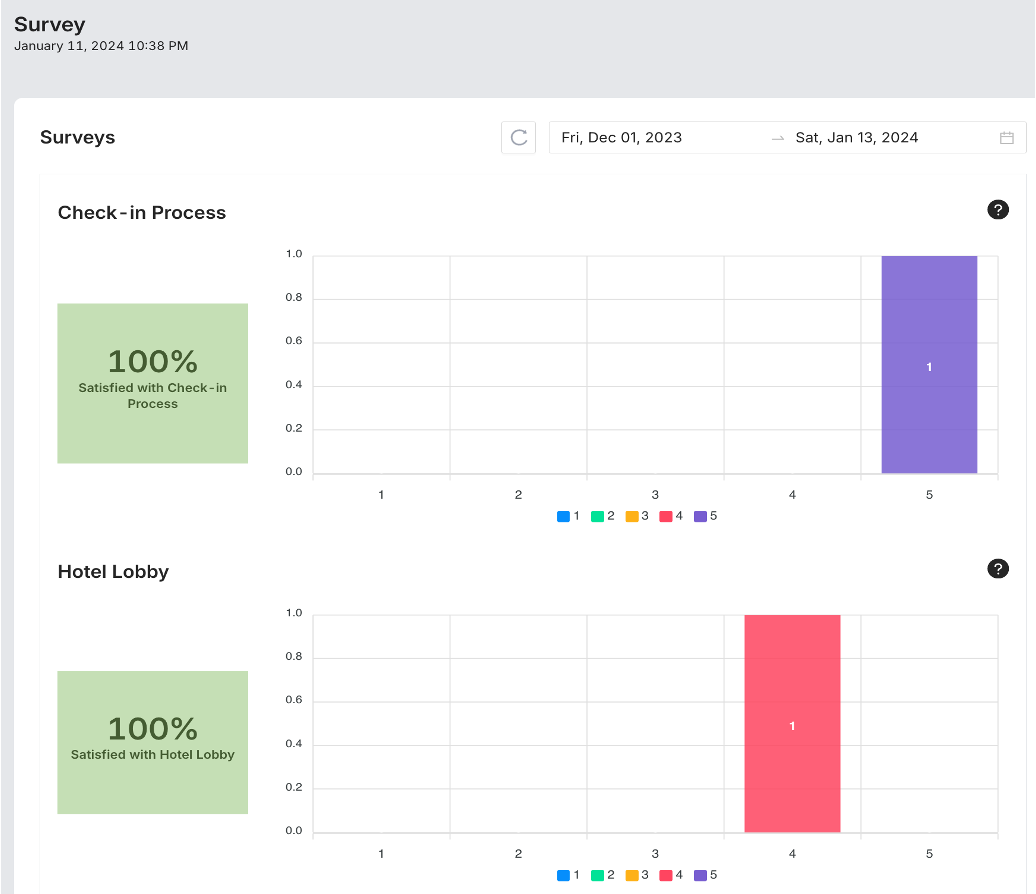
  • Guest feedback

    Review survey responses in visual reports for check-in and hotel spaces.

Front-desk operations

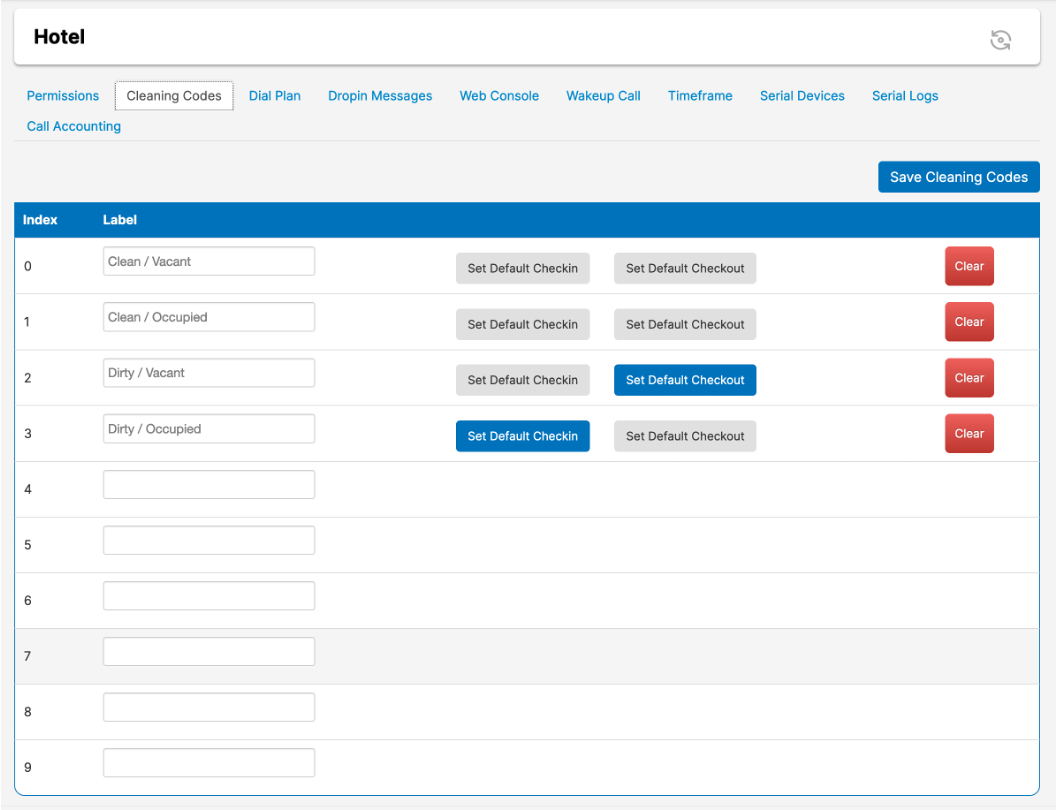
  • Room-status visibility

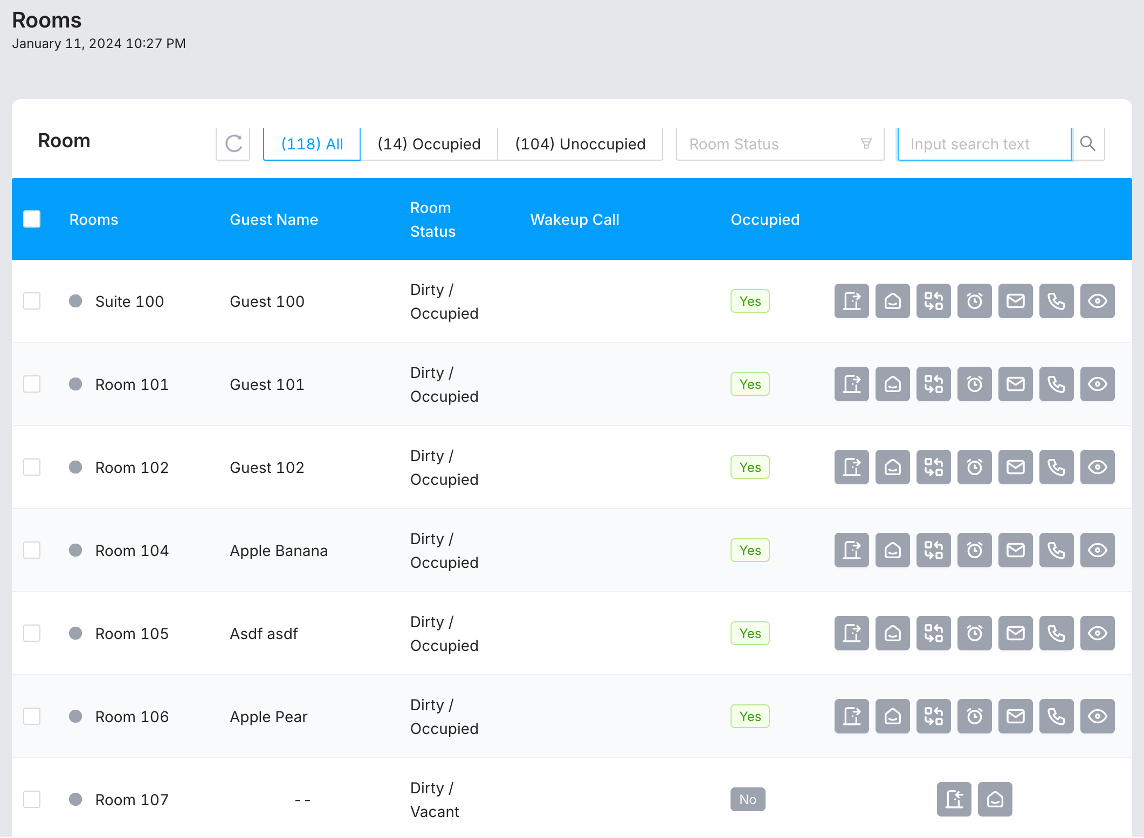
    See occupancy and clean or dirty room states in one workspace.

  • Activity dashboard

    Bring wake-up calls, operator activity, and room status together at a glance.

  • PMS-connected workflows

    Link hotel communications with your property management system.

Platform & staff tools

  • Browser-based control

    Give your team a central console for hotel communications.

  • Cloud or on-property

    Choose a cloud-hosted platform or an on-premises Voiceware deployment.

  • Staff mobility

    Keep staff connected beyond reception with mobile and softphone options.

Go beyond the extension

Add resilience.
Connect operations.
Refresh the room.

Keep your core subscription focused. Then add the connectivity, integration, and equipment that fit your property—not a bundle of things you won’t use.

5G backup connection

A backup path for voice.

Plan for more than your primary internet connection. Optional cellular failover adds a backup path for hotel voice services when an ISP interruption affects the property.

PMS integration

Connect the hotel workflow.

Bring your communications plan closer to the system your team already uses to manage the property. Connect front-desk communications with the guest and room workflows managed by your property system.

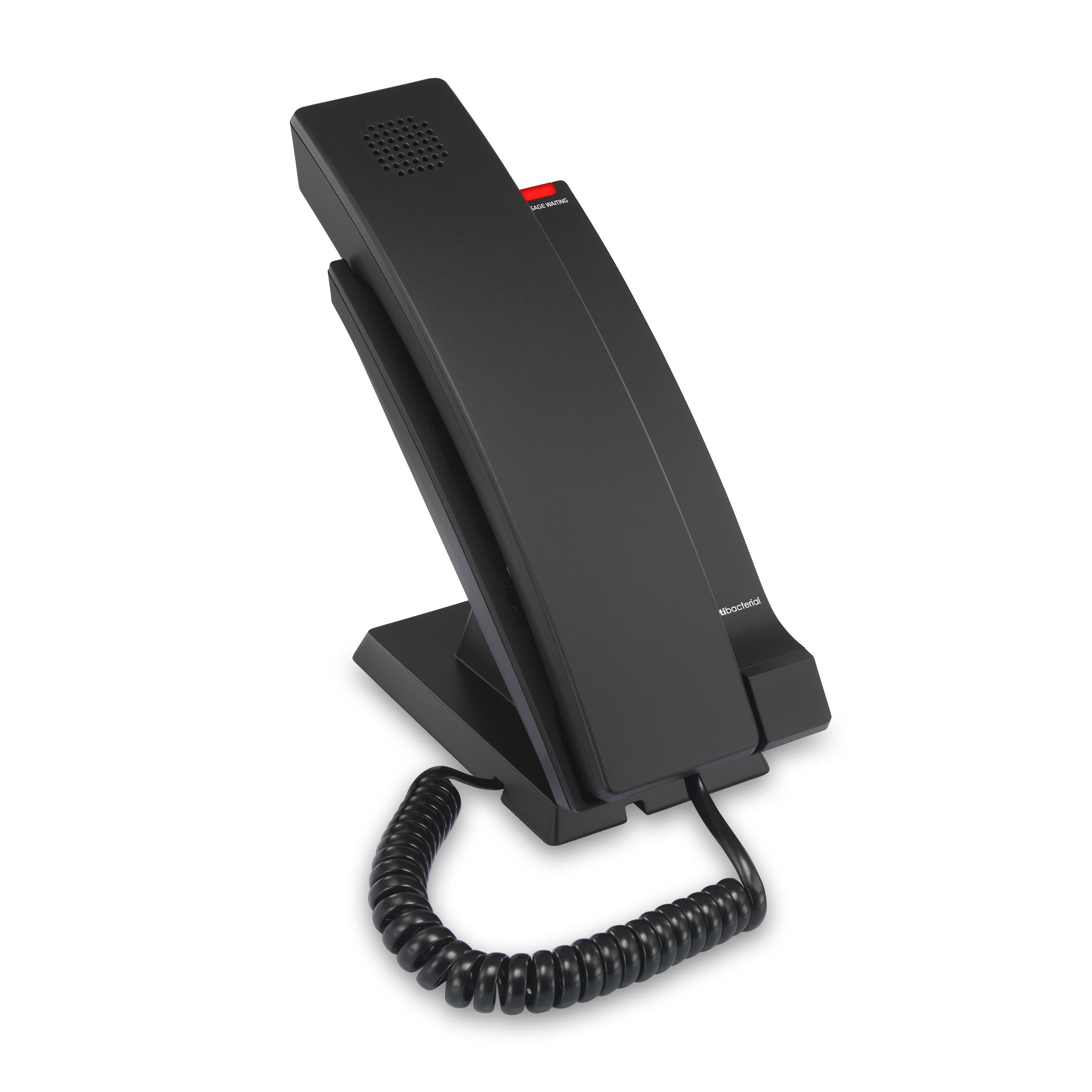
VTech room phone

Refresh the bedside.

The VTech CTM-A2315-SPK brings a compact footprint and speakerphone to the guest room. Add new phones for a renovation, a phased refresh, or the rooms that need them now.

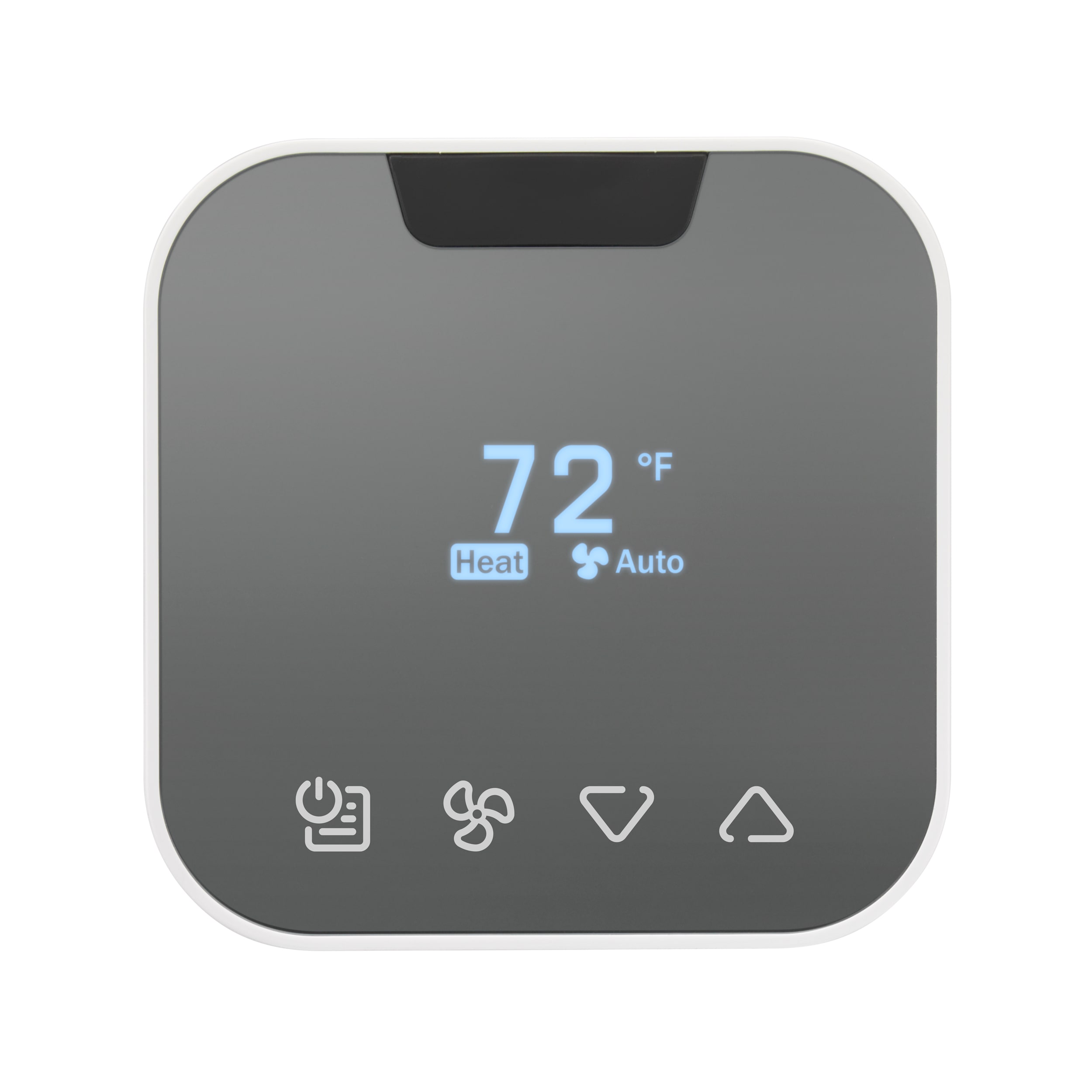
VTech W960 thermostat

Consider comfort, too.

Include wireless thermostats in the same property plan. Choose the number of rooms you intend to equip, independently of your room-phone purchase.

Choose your hotel add-ons

Plan your property

Your property.
Your exact setup.

Choose extensions, services, and equipment, then tell us about your hotel. Bring your selections together in a property brief for your Telogix planning conversation.

01

Admin / backoffice phones

Admin Extension + Yealink T85W

Connect management, accounting, reservations, and the people behind every stay. An administrative extension includes the desk phone named in the current package.

Package: Admin Extension + Yealink T85W

What to count & what’s included

Count the staff extensions your backoffice needs. Admin and front-desk packages include their listed phones; guest-room equipment is selected separately.

Number of extensions
02

Front desk phones

Front Desk Extension + Yealink T87W

Give reception a dedicated point of connection for guest requests and hotel operations. Choose the number of staffed front-desk extensions, with the listed desk phone included.

Package: Front Desk Extension + Yealink T87W

What to count & what’s included

Count the staffed reception workstations that need a front-desk extension.

Number of extensions
03

Guest room phones

Guest Room Extension

Bring your guest-room voice service into the hotel’s communications plan. Retain compatible analog room phones where possible, or add VTech room phones below.

Package: Guest Room Extension

What to count & what’s included

Enter the number of room extensions to connect. Select new room handsets separately under optional equipment.

Number of room extensions
04

Common area phones

Common Area Extension

Keep lobbies, hallways, and shared amenity spaces connected. Add service for the public-use phones that support everyday movement around your property.

Package: Common Area Extension

What to count & what’s included

Count each extension in lobbies, hallways, and shared amenity spaces.

Number of extensions

Your property brief is the starting point

A considered launch.
A confident team.

Configure your recurring services and optional equipment online. Before deployment, work with Telogix to confirm the details that make the solution right for your property.

Talk through your deployment
01

Review what is already there

Identify existing room phones, gateways, cabling, internet connectivity, and numbers you want to retain. Build a clear inventory for your property plan.

02

Confirm the connections

Check PMS vendor and version, interface access, network and power readiness, and 5G coverage if selected. Bring the operational connections into one deployment plan.

03

Plan the property handover

Agree on installation, shipping, porting, staff orientation, and timing. Include emergency calling and specialty lines in your deployment plan.

Need a different deployment?

More than one way
to connect a property.

The planner gathers your preferred hotel services and equipment. On-premises systems, larger infrastructure changes, and bespoke operational requirements deserve a separate plan.

Discuss a specialist solution

Cloud communications

Bring hotel voice service together on a cloud-hosted platform, with a browser-based workspace for your team.

On-premises Voiceware

Explore an on-property Phonesuite platform when your operating environment calls for it.

Gateways & infrastructure

Assess analog connectivity, port requirements, and equipment needed to connect the systems you retain.

Contact center needs

Discuss a separate solution for teams handling guest calls across a larger or more specialized operation.

Your next conversation starts here

Let’s connect your business.

The right tools. A guided start. Real people in your corner.